Chrome extension
Every image tool, right in your browser
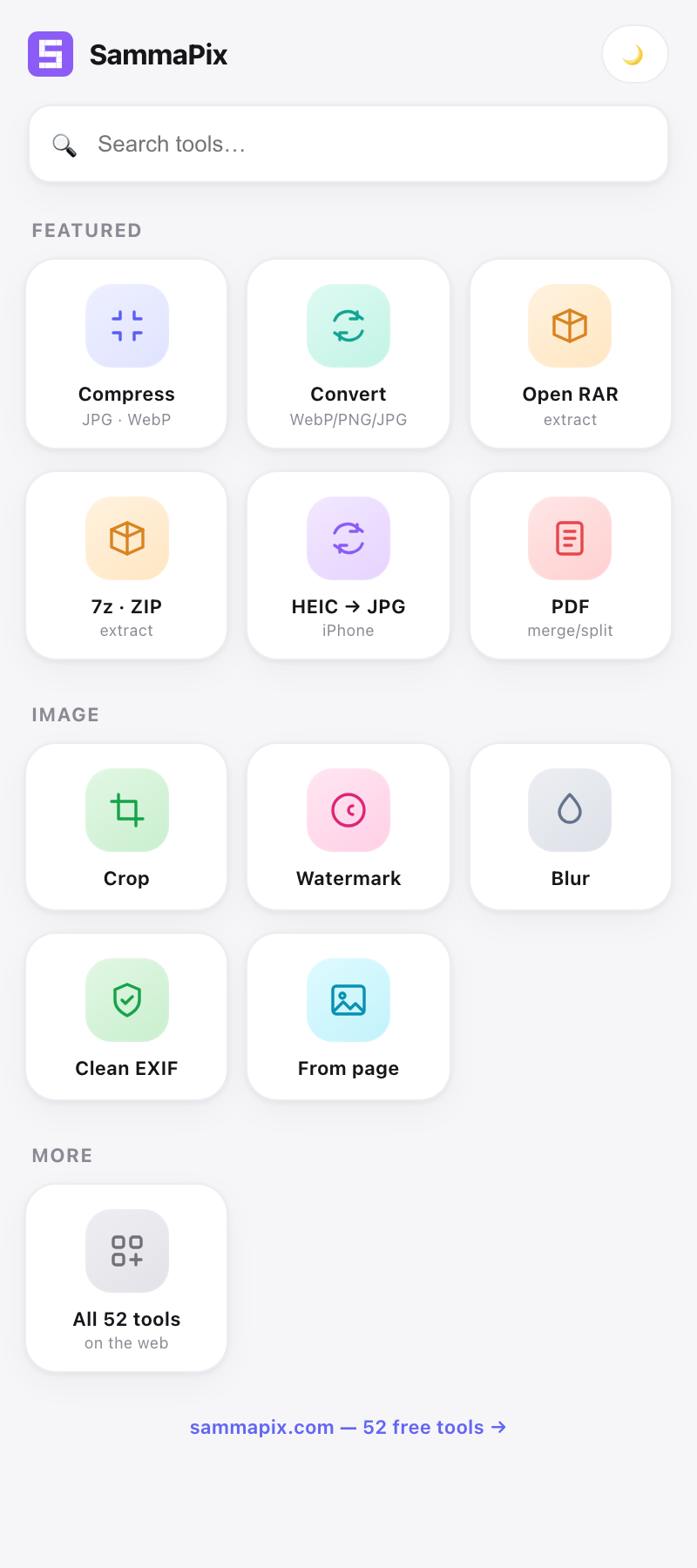
Compress, convert, crop and clean images, extract RAR/7z/ZIP archives, and grab every image from any page — from the browser side panel. 100% private, no uploads.
100% in your browser · No account for single tools · Works on any page
100% in your browserNo uploads, everFree to start12 native tools
Compress & convert
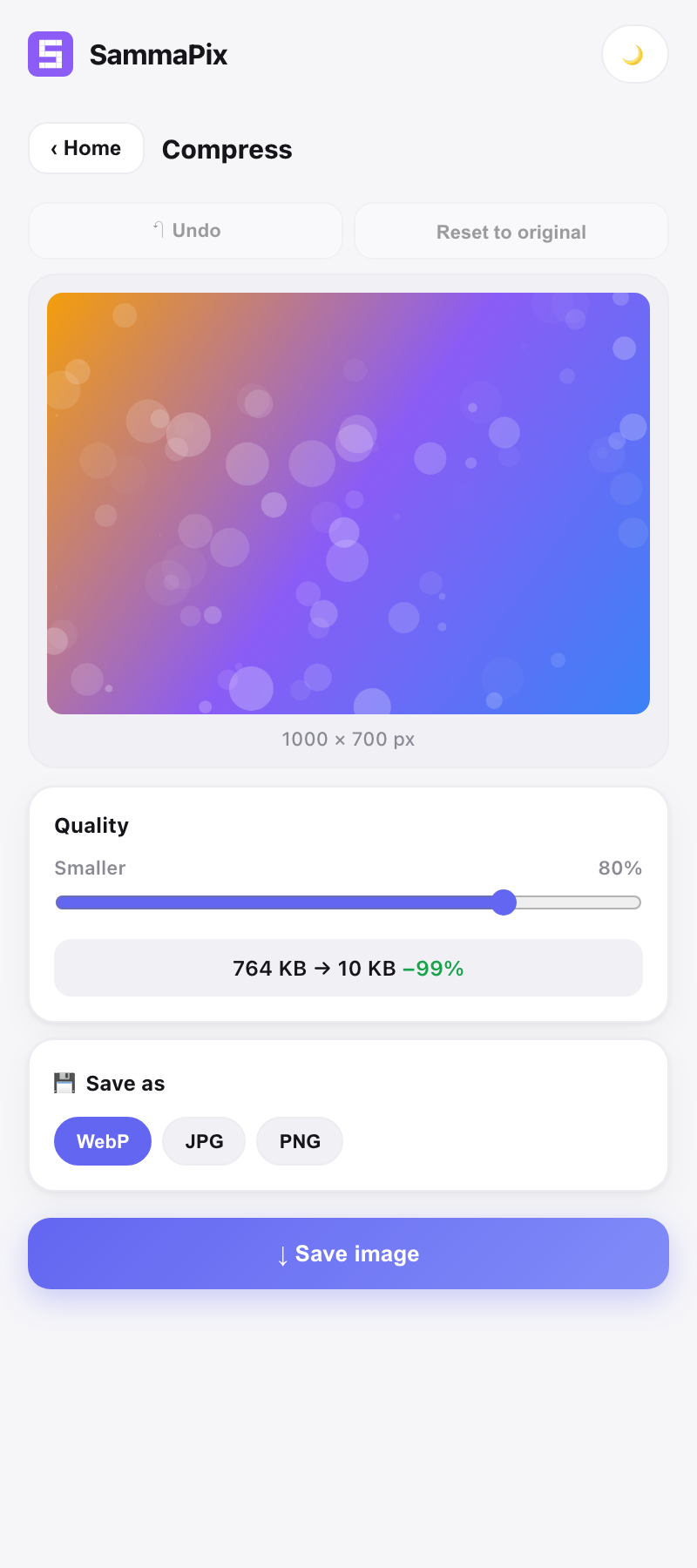
See the savings before you save
Drag the quality slider and watch the file size drop in real time — 2.4 MB → 480 KB, −80%. Choose WebP, PNG or JPG, then download. Convert, crop, watermark, blur and EXIF cleaning all work the same way, on your device.
Grab from any page
The one thing a website can't do
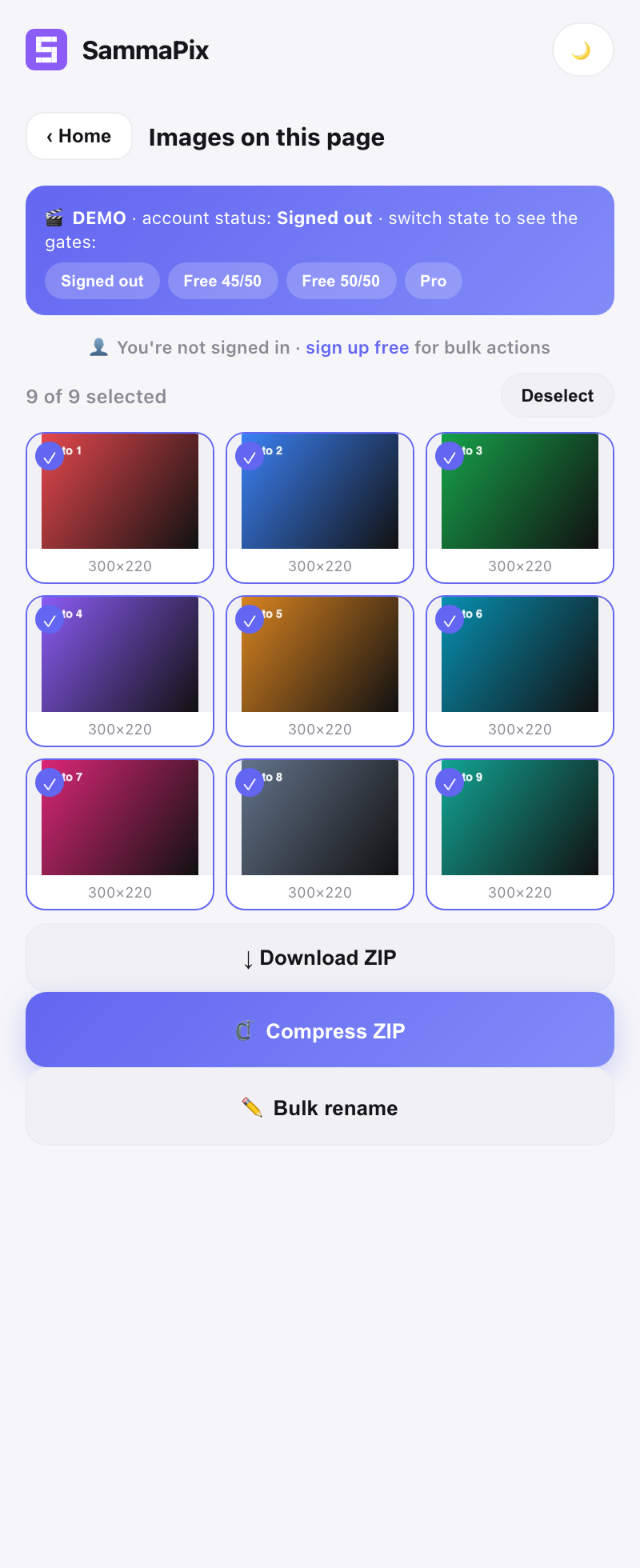
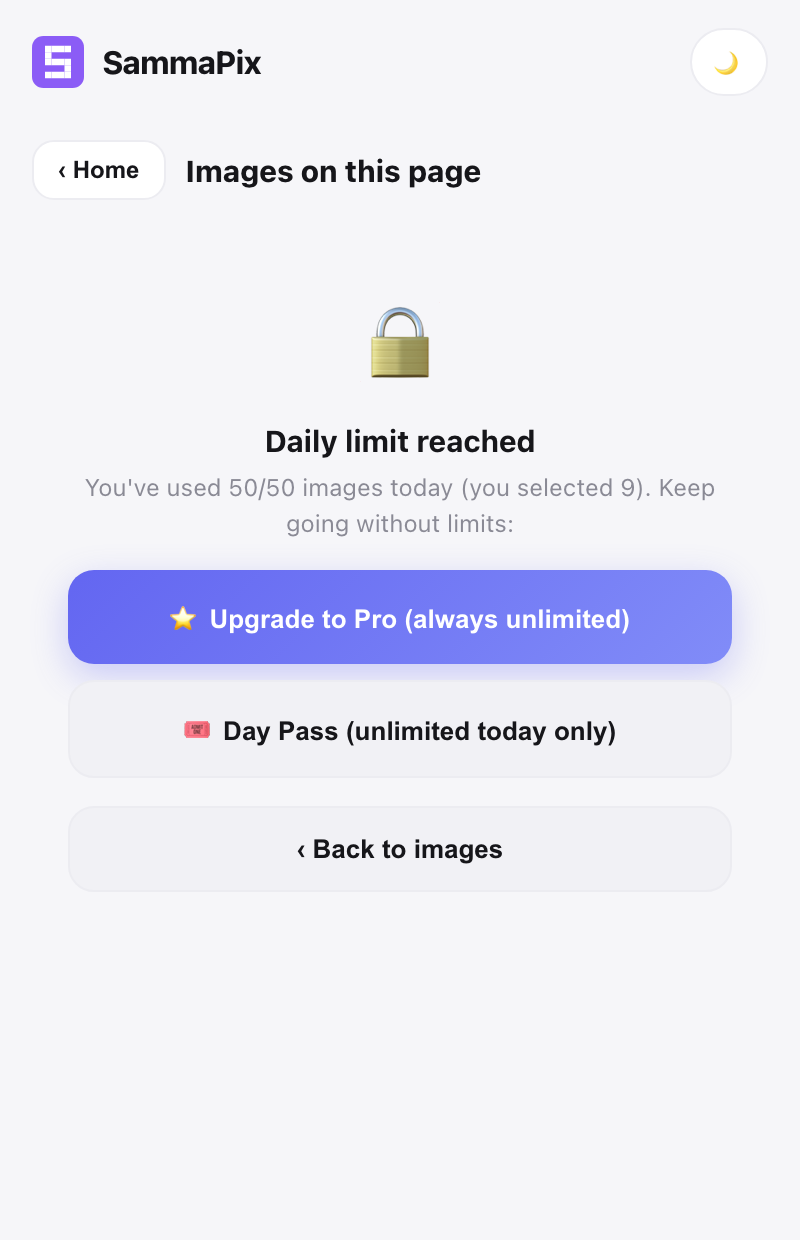
Open the panel on a shop, a gallery, a moodboard — SammaPix shows you every image on the page. Select the ones you want and download, compress or rename them in bulk. Free up to 50 images a day, unlimited with Pro.
- Bulk download to a single ZIP
- Bulk compress to save space
- Bulk rename with a pattern (photo-001, 002…)
Archives
Open RAR & 7z without installing anything
Extract RAR, 7z, ZIP and TAR right in the browser, powered by WebAssembly. Save files one by one or all at once. No desktop software, no uploads.
RAR7zZIPTARGZ
Three clicks, done
🧩
Open the panel
Click the SammaPix icon on any page. The whole toolbox lives in the side panel.
🛠️
Pick a tool
Compress, extract an archive, or grab the images off the page you're on.
⬇️
Save locally
Everything is processed on your device and saved straight to your downloads.
Put the toolbox in your browser
Free. Private. No uploads. Works on every page.
Prefer the web? All 96 tools live at sammapix.com.