Color Picker. Palette + Eyedropper
Eyedrop any pixel from an image — copy HEX, RGB or HSL value. Auto-extracts the 6 most dominant colors as a one-click palette. Perfect for designers, brand color matching, mood-board building.
HEX · RGB · HSL6 dominant paletteOne-click copy100% private
Tuscany.jpg · Color Picker
HEX
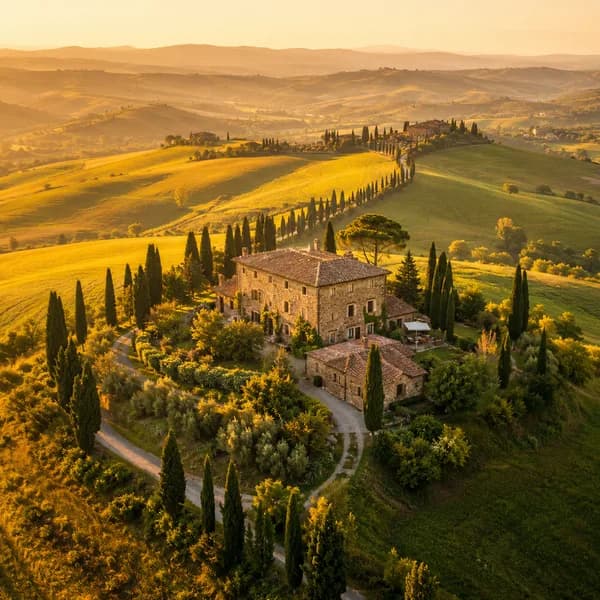
#F4D78A
Dominant palette
Drop an image or click to browse
Pick colors and extract a 6-color palette — JPG, PNG, WebP, GIF
100% in your browser — image never leaves your device · max 20 MB
How to use Image Color Picker
1
Upload an image
Drop a JPG, PNG, WebP or GIF. Max 20 MB. Runs entirely in your browser.
2
Hover and click
Move over the image to preview the color under the cursor, then click to pick it.
3
Copy the format you need
Toggle HEX / RGB / HSL and copy with one click. Dominant palette is auto-generated below.
Pro tip
Sampling from a logo PNG? Use Remove Background first to skip the white fringe and grab clean brand colors. Remove background
Why pick colors from images in the browser?
HEX / RGB / HSL
One click copies the color in your preferred format. Designers grab HEX, frontend devs RGB, creative tools HSL — all three always available.
Auto palette extraction
SammaPix runs k-means clustering on the image to surface the 6 most dominant colors. Great for brand matching or moodboards.
Fully browser-based
Everything runs on the Canvas API in your tab. Images never upload, colors never leave your device.
HEX, RGB, HSL — which format do you need?
HEX (like #A855F7) is the web default — short, unambiguous, works everywhere CSS runs. RGB (rgb(168, 85, 247)) exposes red, green and blue channels independently, useful when you need to mix with transparency or compute deltas. HSL (hsl(270, 91%, 65%)) separates hue, saturation and lightness — ideal for building tint ramps or adjusting a color perceptually.
How does the palette extraction work?
SammaPix subsamples pixels across the image and runs k-means clustering on the RGB values. The six largest clusters become your palette, ordered from most to least frequent. Fully transparent pixels are skipped so icons and logos return clean brand colors.
Why not use the browser native EyeDropper?
Chrome's native EyeDropper API only works on live screen pixels, not arbitrary image files. SammaPix loads the image into a canvas so you can hover, zoom, and pick any pixel deterministically — plus it gives you a palette for free.