JPG to PDF. A4 · Letter, Free
Merge multiple JPG, PNG, or WebP images into a single PDF document. Drag to reorder pages, choose A4 or Letter size, download instantly. 100% private, runs in your browser.
A4 · LetterDrag to reorderUp to 200 pagesJPG · PNG · WebP
JPG → PDF · 4 images
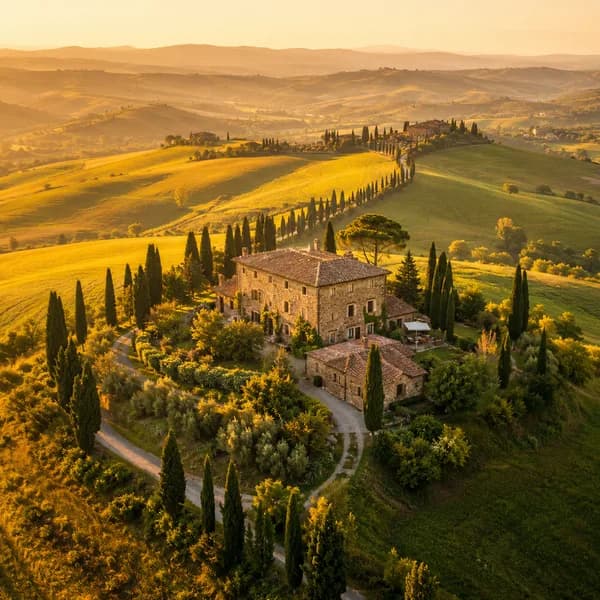
JPG
tuscany.jpg
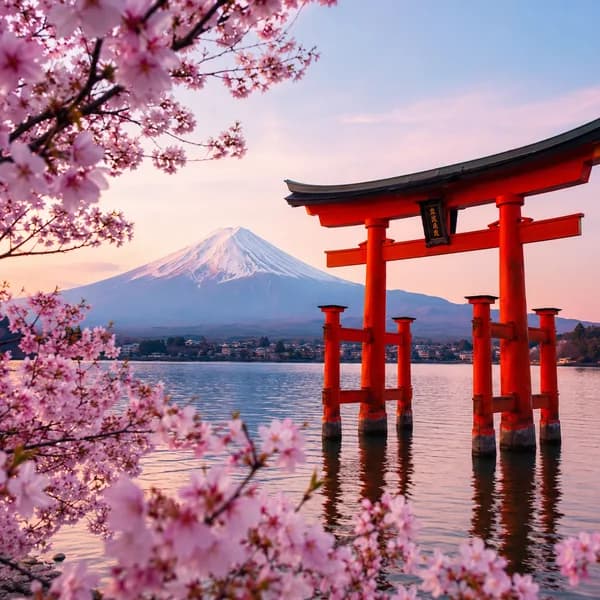
JPG
torii.jpg
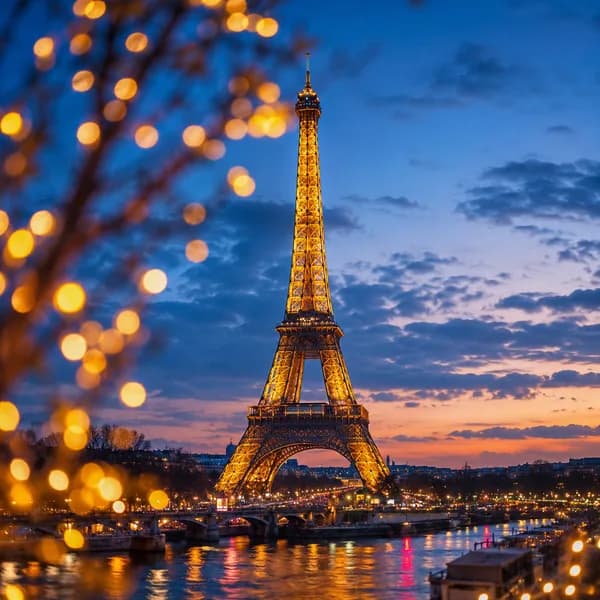
JPG
eiffel.jpg
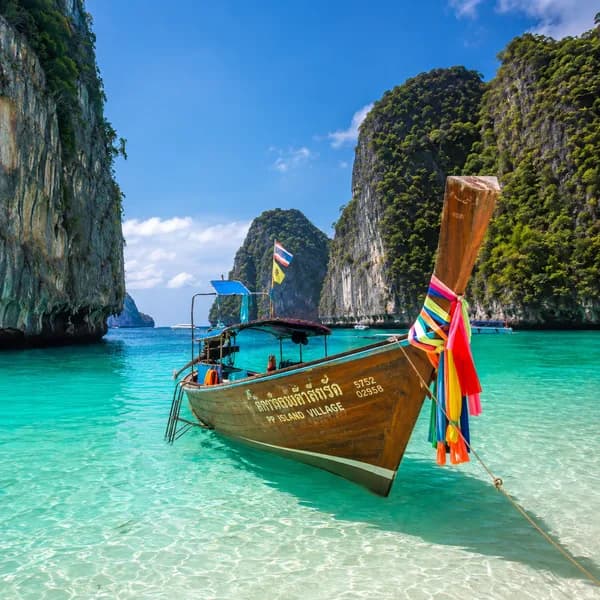
JPG
phi-phi.jpg
Drop images or click to browse
JPG, PNG, WebP, GIF — drag to reorder after upload
100% in your browser — your images never leave your device
Free: up to 20 images · Pro: 200 images
How to Convert Images to PDF
1
Upload images
Drop JPG, PNG, or WebP files. Add as many as you need.
2
Reorder & configure
Drag images into the right order. Pick A4, Letter, or Fit to Image.
3
Download PDF
Click Create PDF and your merged document downloads instantly.
Combining scans or receipts into one file? Our guide on how to combine multiple JPGs into one PDF covers page order, bulk batches, and keeping the file small enough to email.
Frequently Asked Questions
How do I convert multiple JPG images to one PDF?+
Drop your JPG or PNG images into SammaPix, drag to reorder them, choose a page size (A4, Letter, or Fit to Image), and click Create PDF. The merged PDF downloads instantly — no signup or upload required.
Is it safe to convert images to PDF online?+
With SammaPix, yes. The entire conversion happens inside your browser using the pdf-lib library. Your images are never uploaded to any server. You can disconnect from the internet after the page loads and the tool still works.
What image formats can I convert to PDF?+
SammaPix supports JPG/JPEG, PNG, WebP, and GIF. All images are embedded at their original quality into the PDF document.
Can I choose the page order in the PDF?+
Yes. After uploading your images, you can drag and drop them into any order you want. The PDF pages will follow the order you set.
What page sizes are available?+
SammaPix offers A4 (210×297mm), US Letter (8.5×11in), and Fit to Image (each page matches the image dimensions exactly). For A4 and Letter you can also choose portrait, landscape, or auto orientation.